Key Hiding
Protect sensitive Apptrove SDK credentials by storing them securely using .NET MAUI's SecureStorage.
Purpose
- Safeguard SDK Key, Secret ID, and Secret Key from reverse engineering
- Store credentials in encrypted storage
- Prevent fraudulent activities
note
This feature works in conjunction with SDK Signing to provide comprehensive security.
Implementation
using AppTroveSDK.Maui;

async Task InitializeWithSecureKeys()
{
    // Try to get key from secure storage first
    var sdkKey = await SecureStorage.GetAsync("trackier_sdk_key");

    if (string.IsNullOrEmpty(sdkKey))
    {
        // First run: store the key securely
        sdkKey = "YOUR_SDK_KEY";
        await SecureStorage.SetAsync("trackier_sdk_key", sdkKey);
    }

    var config = new AppTroveSDKConfig(sdkKey, AppTroveEnvironment.Production);
    AppTroveSDK.Initialize(config);
}
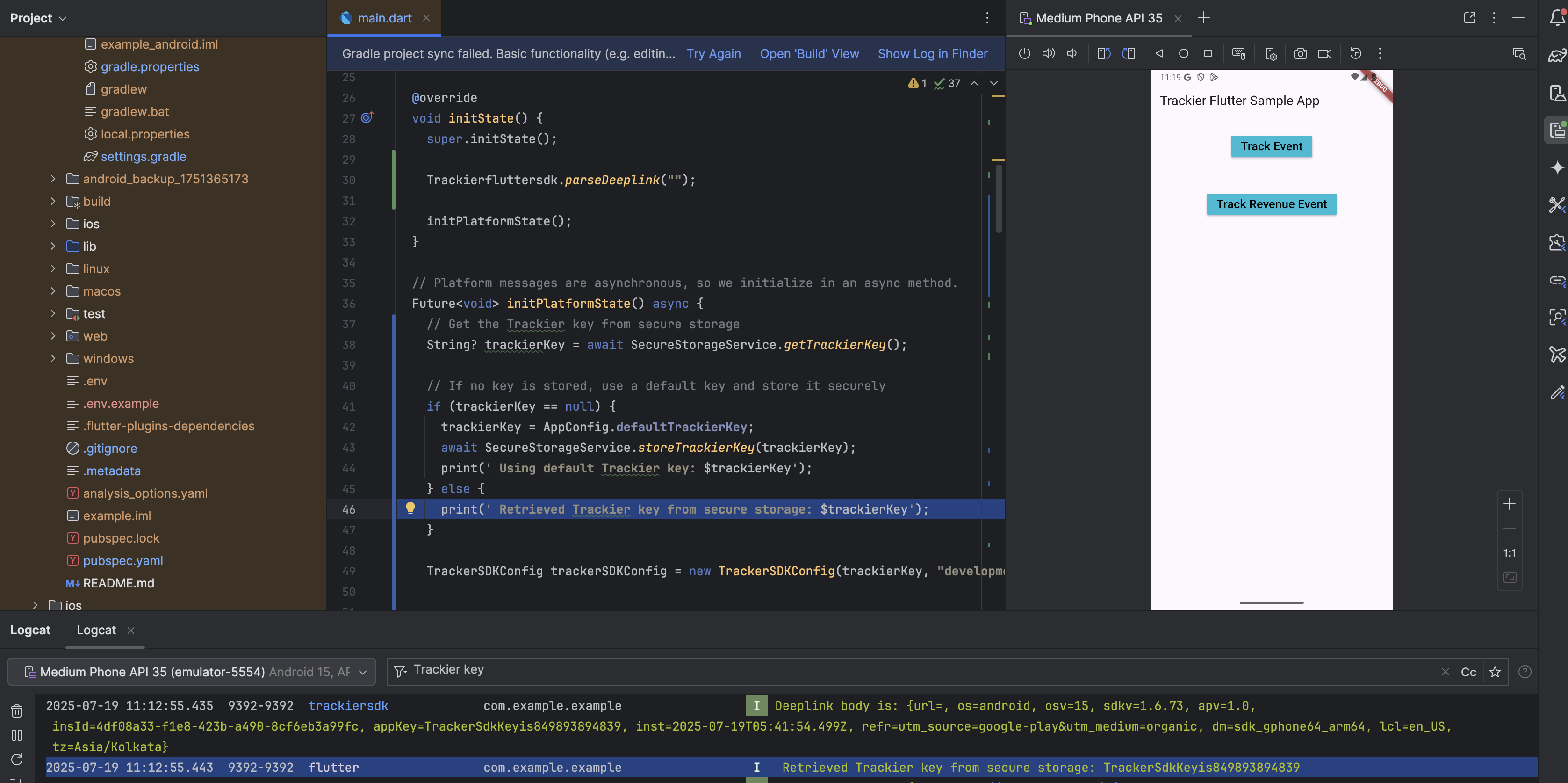
Reference: Store the key on first launch, then remove from source code.
Security Features
Encrypted Storage
.NET MAUI SecureStorage provides:
- iOS: Uses Keychain Services
- Android: Uses EncryptedSharedPreferences with AES encryption
- Windows: Uses Data Protection API (DPAPI)
Best Practices
- Never Hardcode Keys: Always use secure storage
- Remove After First Run: Delete keys from source after initial storage
- Regular Key Rotation: Periodically update your SDK keys
Troubleshooting
| Issue | Solution |
|---|---|
| Keys not stored | Check SecureStorage permissions |
| Permission errors | Verify app has proper permissions |
| Initialization fails | Verify SDK key is correct |
For support, contact support@trackier.com.